
Get started, no commitment
- 3 shared daily uses (scan, batch, stitch, doc scan, PDF clean)
- Blackout redaction only (8 colors)
- JPEG export (standard compression)
- Resolution capped at 2048px
- ShareWipe watermark on exports
- Compact PDF quality
Start for free. Upgrade when you need more power
Get started, no commitment
Full privacy toolkit, unlimited
No credit card required for free download · Cancel anytime
Things you may want to confirm before getting started
Yes. ShareWipe helps you redact screenshots on iPhone by detecting text, faces, QR codes, phone numbers, addresses, and other sensitive details before you share.
Yes. ShareWipe can detect text in screenshots and lets you blur or redact only the parts you want to hide.
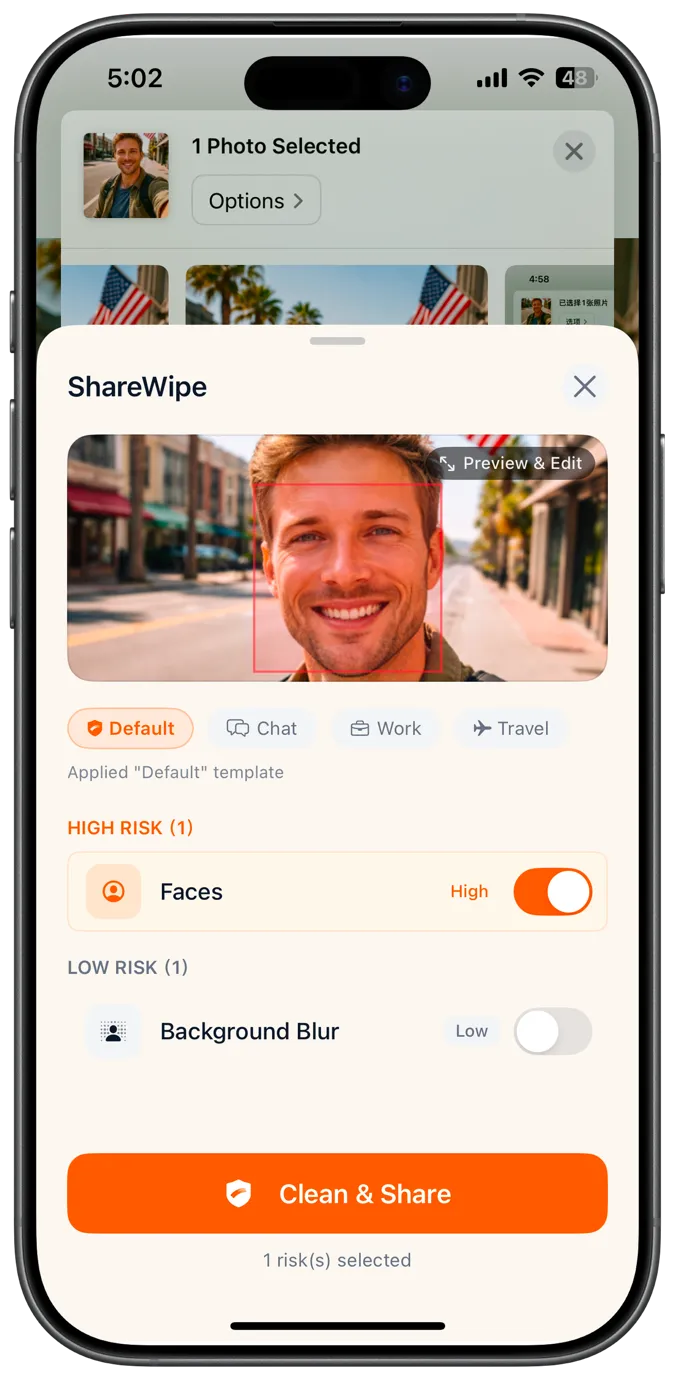
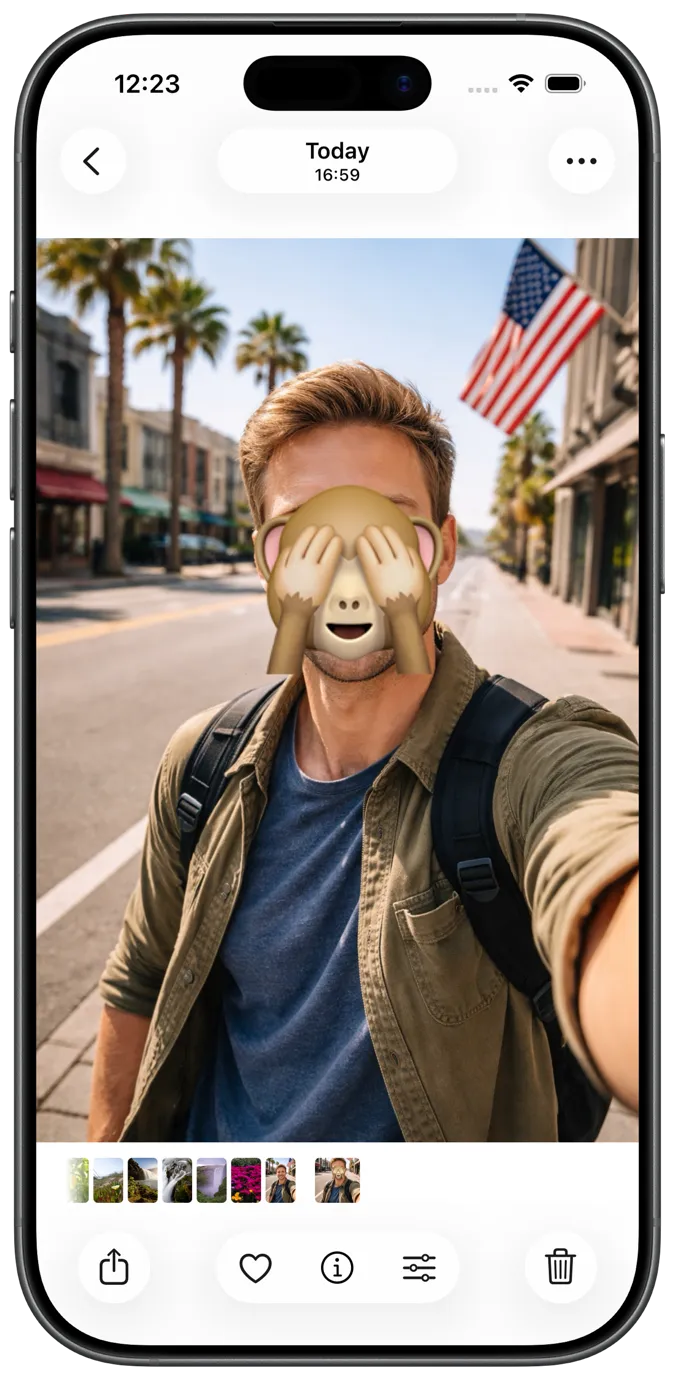
Yes. ShareWipe can detect faces in photos and helps you blur them before posting, forwarding, or saving.
Yes. ShareWipe can remove EXIF and GPS metadata, including location and device details, before you share a photo.
Yes. You can scan paper documents, auto-crop and straighten pages, review them, and export them as PDF on iPhone.
Yes. ShareWipe lets you combine scanned pages or cleaned images into one PDF for easier sharing and delivery.
Yes. ShareWipe helps you clean PDFs before sharing, including removing metadata and exporting a safer PDF copy.
No. ShareWipe always exports a new cleaned copy. Your original screenshot, photo, or PDF stays unchanged.
Open the screenshot in ShareWipe from Photos or the iOS share sheet. It detects text, faces, QR codes, and more so you can blur or redact only what you need, then export a safe copy.
ShareWipe can strip EXIF and GPS metadata from photos before you share, so location and device details are not embedded in the file you send.
Yes. You can combine cleaned images or scanned pages into a single PDF in ShareWipe for easier sharing and delivery.
Open the PDF in ShareWipe, review detected sensitive areas and metadata, remove or redact what you need, then export a cleaner PDF copy. Your original stays unchanged.
Yes. Detection is item-by-item, so you can keep the readable parts and only hide sensitive regions before exporting.