무료
$0영구 무료
부담 없이 시작
- 하루 3회 공유 사용량 (스캔, 일괄, 이어붙이기, 문서 스캔, PDF 정리)
- 블랙아웃 스타일만 (8색)
- JPEG 내보내기 (표준 압축)
- 해상도 상한 2048px
- 내보내기에 ShareWipe 워터마크 포함
- PDF 품질: Compact
스크린샷 가리기 · 사진 비식별화 · PDF 안전 공유

무료로 시작하고, 필요할 때 업그레이드하세요
부담 없이 시작
전체 프라이버시 도구, 무제한
무료 다운로드에 카드 불필요 · 언제든 해지
시작하기 전에 확인해 두면 좋은 내용입니다
네. 공유 전에 스크린샷 속 얼굴, 텍스트, QR 코드, 전화번호, 주소 등 민감 정보를 감지해 가리거나 블러 처리할 수 있습니다.
네. 텍스트 영역을 감지하고, 원하는 부분만 블러하거나 가릴 수 있습니다.
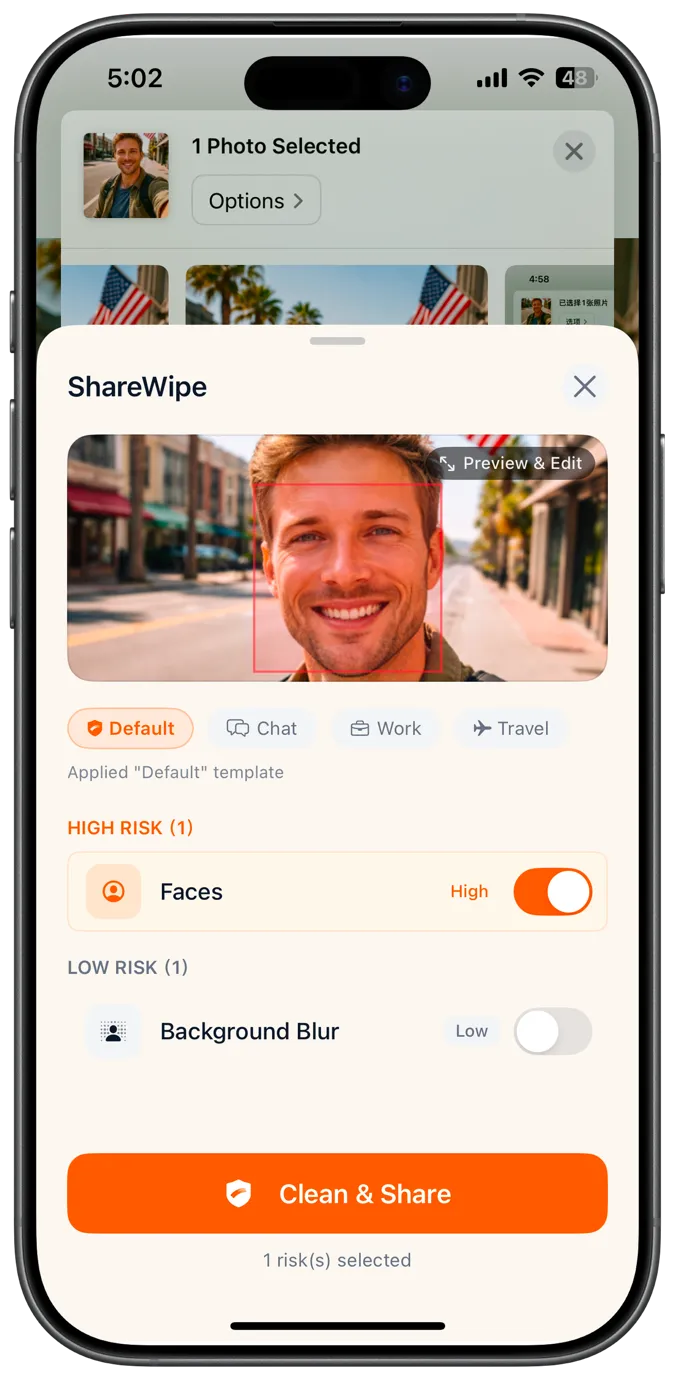
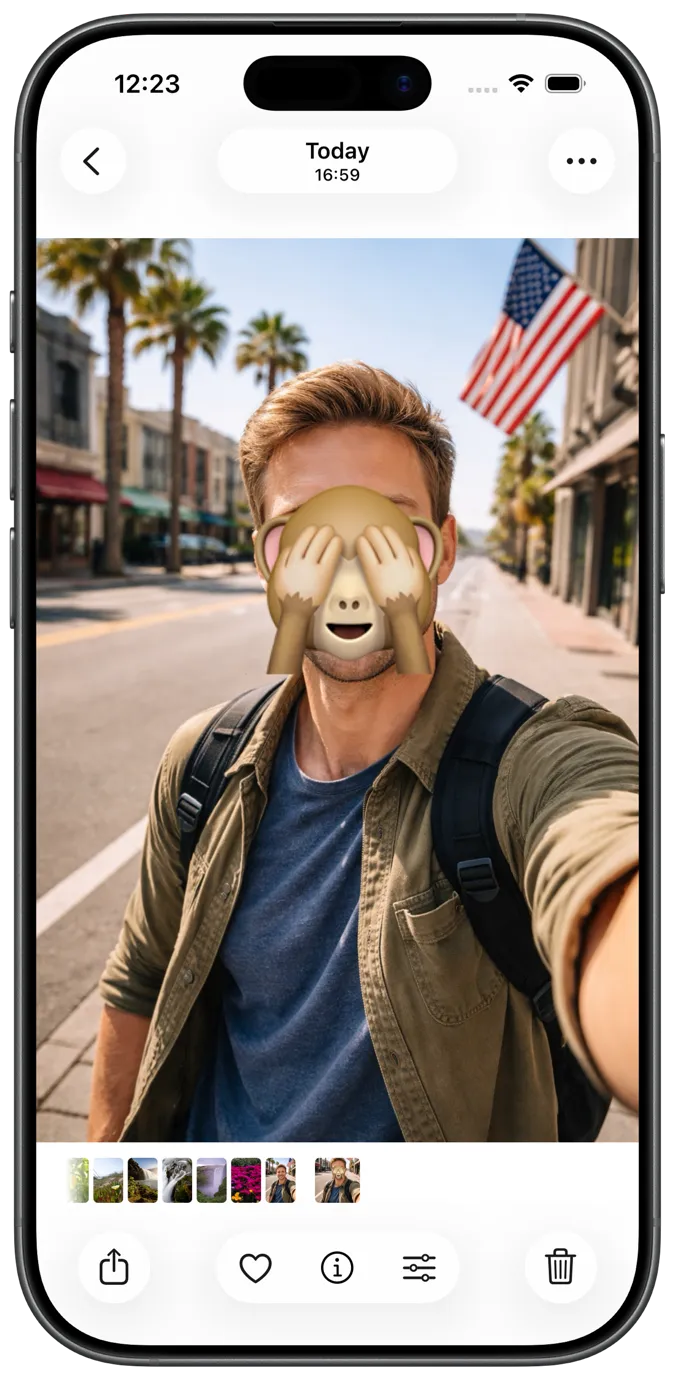
네. 사진에서 얼굴을 감지해 게시·전달·저장 전에 블러 처리할 수 있습니다.
네. 공유 전에 위치·기기 정보 등 EXIF/GPS 메타데이터를 제거할 수 있습니다.
네. 문서를 촬영해 자동 크롭·보정 후 확인하고 PDF로보낼 수 있습니다.
네. 여러 페이지를 하나의 PDF로 합쳐 공유·전달하기 쉽게 할 수 있습니다.
네. 메타데이터 제거 등으로 PDF를 정리하고 더 안전한 사본을보낼 수 있습니다.
아니요. 항상 새로 정리된 사본만보냅니다. 원본 스크린샷·사진·PDF는 그대로입니다.
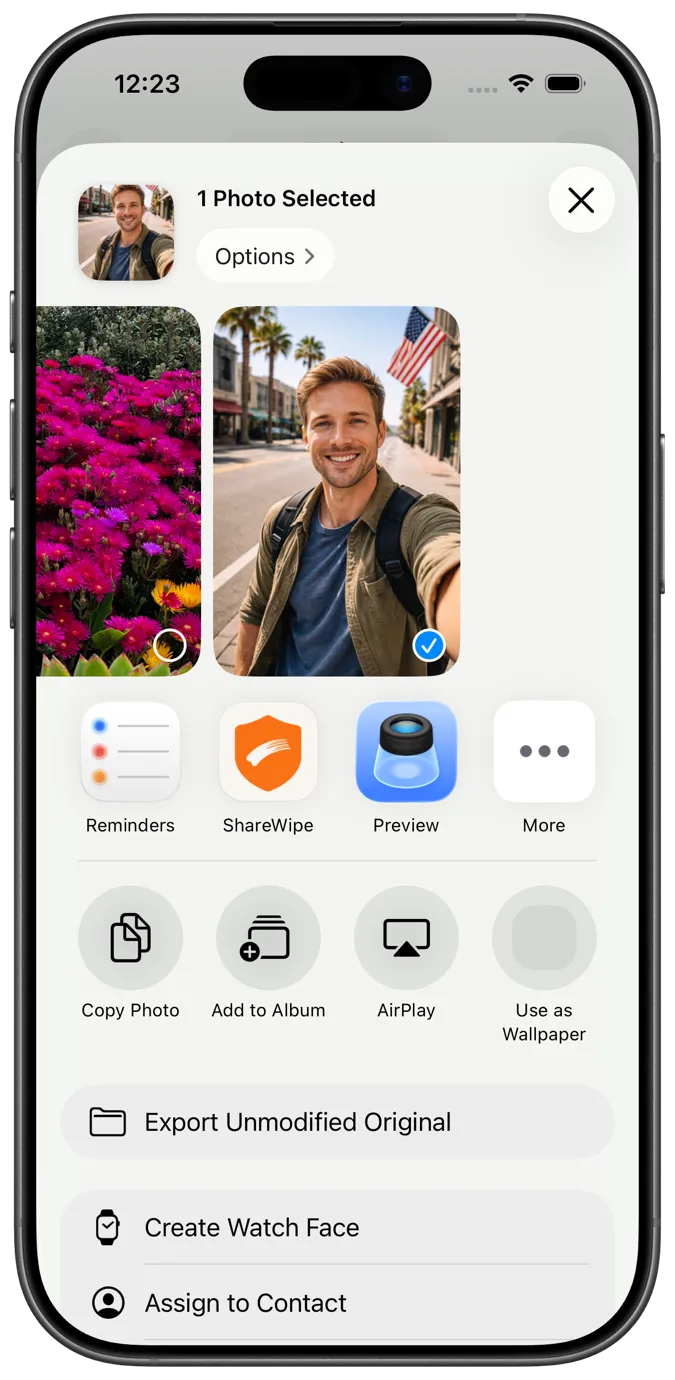
Open the screenshot in ShareWipe from Photos or the iOS share sheet. It detects text, faces, QR codes, and more so you can blur or redact only what you need, then export a safe copy.
ShareWipe can strip EXIF and GPS metadata from photos before you share, so location and device details are not embedded in the file you send.
Yes. You can combine cleaned images or scanned pages into a single PDF in ShareWipe for easier sharing and delivery.
Open the PDF in ShareWipe, review detected sensitive areas and metadata, remove or redact what you need, then export a cleaner PDF copy. Your original stays unchanged.
Yes. Detection is item-by-item, so you can keep the readable parts and only hide sensitive regions before exporting.

ShareWipe를 다운로드하고 스크린샷, 사진, 문서를 보내기 전에 프라이버시 레이어를 추가하세요