無料
$0ずっと無料
まずは無料で試す
- 1日3回の共有使用枠(スキャン、バッチ、結合、書類スキャン、PDF整理)
- 黒塗りスタイルのみ(8色)
- JPEG エクスポート(標準圧縮)
- 解像度上限 2048px
- エクスポートに ShareWipe 透かし付き
- PDF品質:Compact
スクショの墨消し・写真の脱敏・PDFの安全な共有

無料で始めて、必要に応じてアップグレード
まずは無料で試す
フル機能・無制限
無料ダウンロードにクレジットカード不要・いつでも解約可
始める前に確認しておくと安心な内容をまとめました
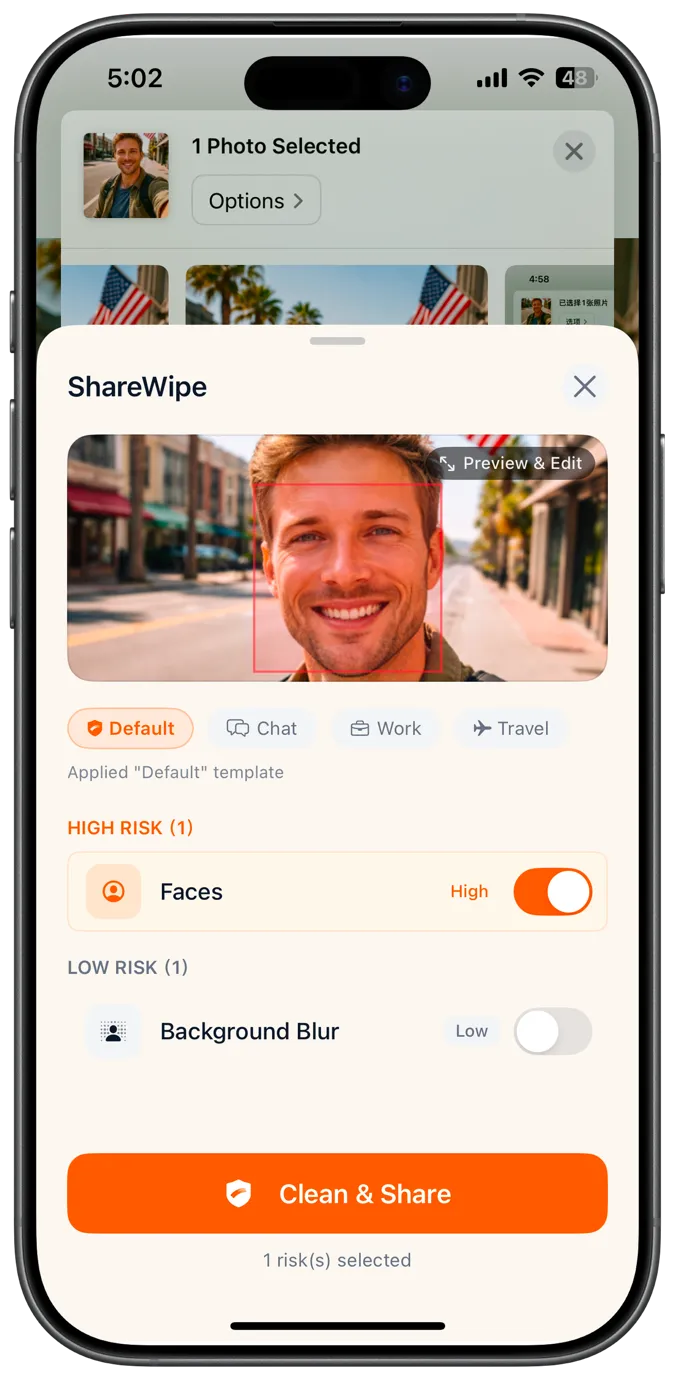
はい。共有前にスクリーンショット内の文字、顔、QRコード、電話番号、住所などを検出し、墨消しやぼかしで隠せます。
はい。テキスト領域を検出し、隠したい部分だけをぼかしたり墨消ししたりできます。
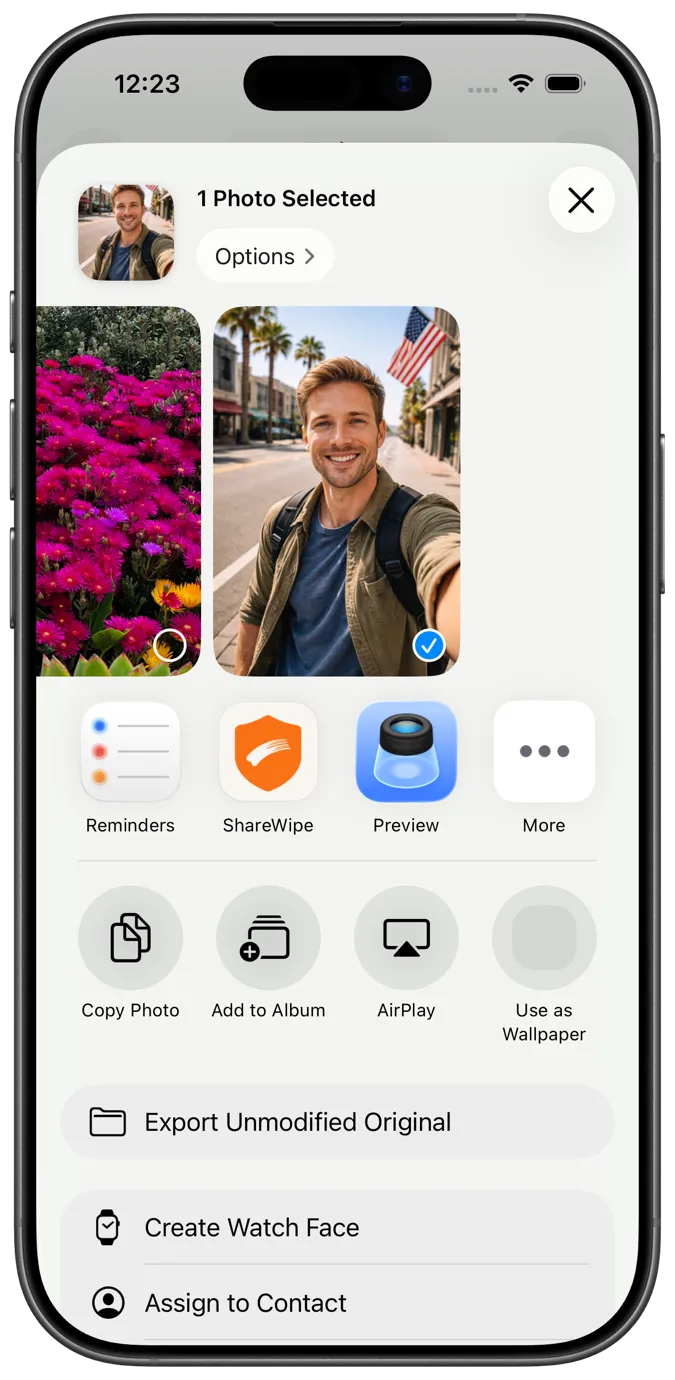
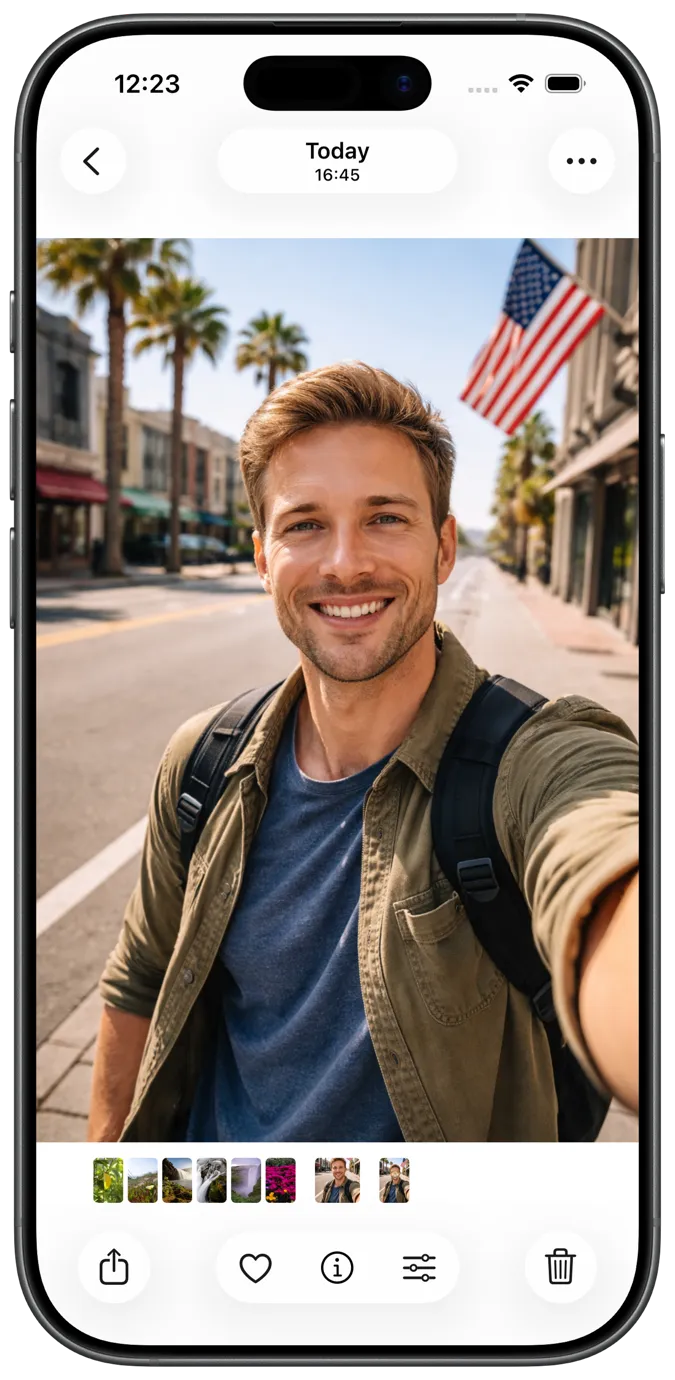
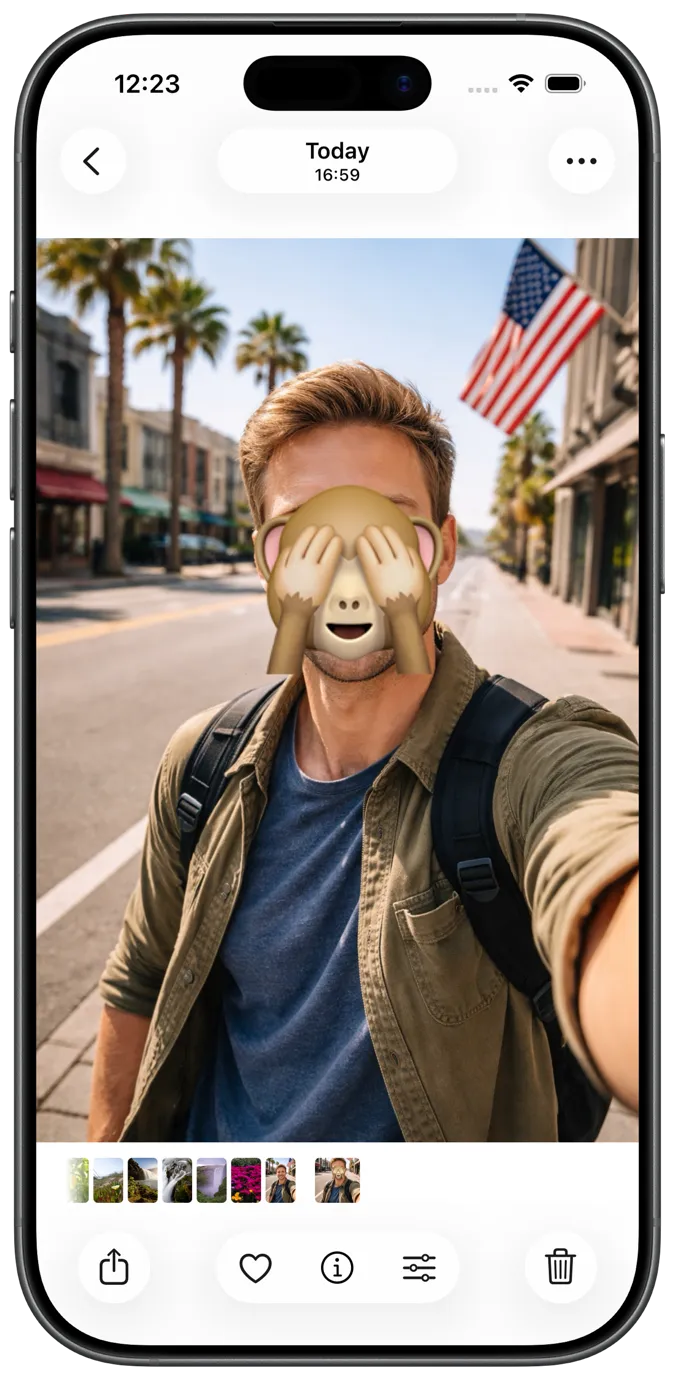
はい。写真内の顔を検出し、投稿・転送・保存の前にぼかせます。
はい。共有前に位置や端末情報などのEXIF・GPSメタデータを取り除けます。
はい。紙を撮影し自動でトリミング・補正してから、確認してPDFとして書き出せます。
はい。複数ページを1つのPDFにまとめて共有しやすくできます。
はい。メタデータの削除など共有前の整理やマスクができ、より安全なPDFコピーを書き出せます。
いいえ。常に新しいクリーニング済みコピーを書き出します。元のスクリーンショット・写真・PDFは変わりません。
Open the screenshot in ShareWipe from Photos or the iOS share sheet. It detects text, faces, QR codes, and more so you can blur or redact only what you need, then export a safe copy.
ShareWipe can strip EXIF and GPS metadata from photos before you share, so location and device details are not embedded in the file you send.
Yes. You can combine cleaned images or scanned pages into a single PDF in ShareWipe for easier sharing and delivery.
Open the PDF in ShareWipe, review detected sensitive areas and metadata, remove or redact what you need, then export a cleaner PDF copy. Your original stays unchanged.
Yes. Detection is item-by-item, so you can keep the readable parts and only hide sensitive regions before exporting.
ShareWipeをダウンロードして、スクリーンショット・写真・文書を送る前にプライバシー保護を追加しましょう